
From Scratch to shipping real products.
A project-based coding academy taught by working software engineers. Every term your child builds one real project, step by step, and you see every lesson in a free parent app.
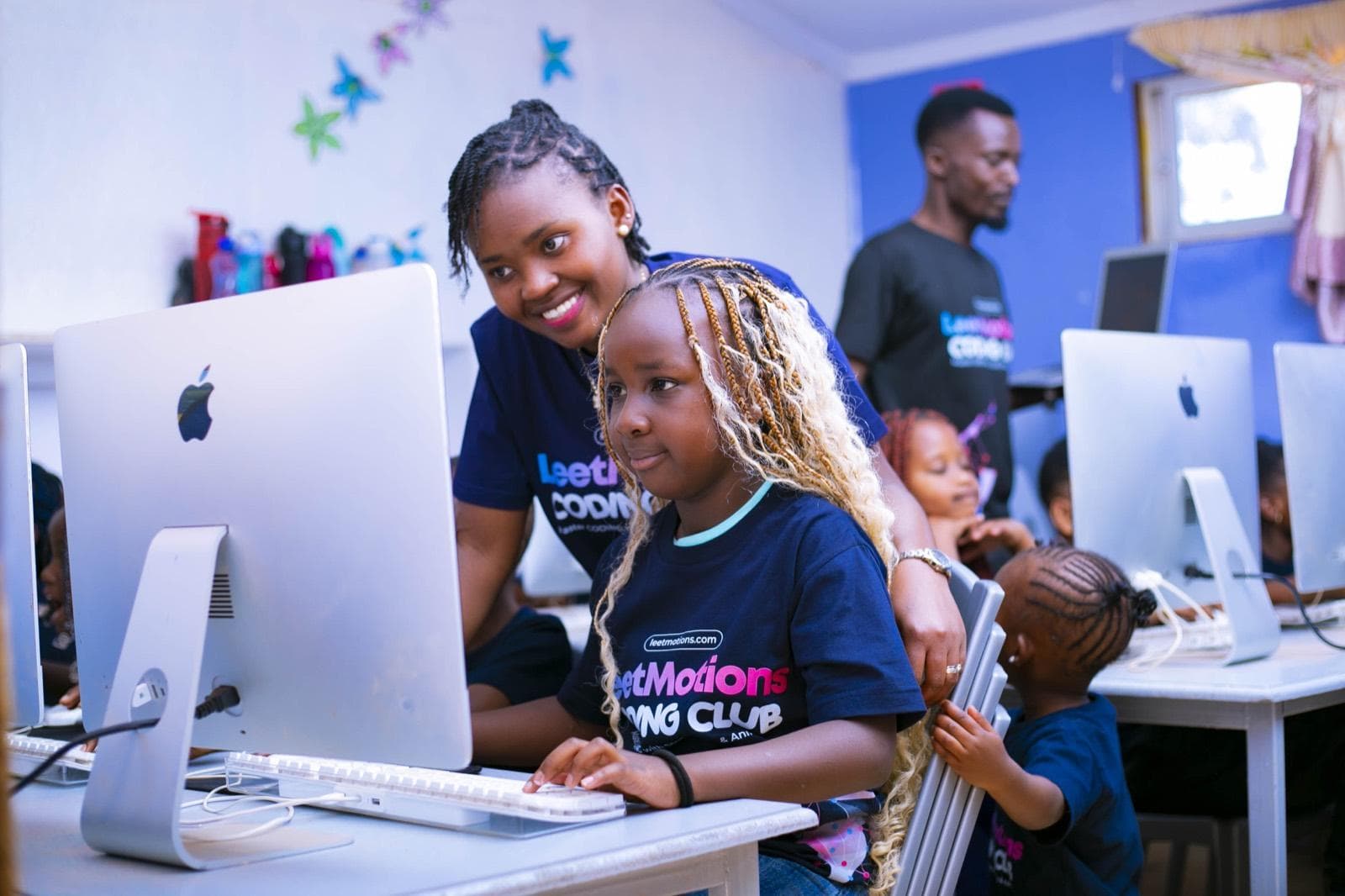 Today’s session logged: Loops in Scratch, homework set
What they build
Pick a stage. See the code.
Real languages, real tools, a real project every term. Tap a stage to see what a learner at that level writes and ships.
<section class="quiz"> <h1>Kenya's National Parks</h1> <button onclick="check('Tsavo')"> Tsavo </button></section>
A personal website with an interactive quiz, styled with their own CSS.
Grades 4 to 6The problem
Most children use apps. Few ever build one.
Many school coding clubs stop at drag-and-drop games or a robot kit, taught as separate exercises with nothing to show at the end of term.
Parents rarely see what happened in a session, and nobody can tell them what their child can actually build.
How we teach
One project per term, built session by session.
Each class gets a single project matched to its level. Every session's lesson is exactly what the project needs next, so the learning curve climbs steadily and every term ends with something finished.
Week 1: the project
Each class gets one real project for the term. Learners see the finished goal and plan their own version.
Weeks 2 to 9: one step a session
Each session teaches exactly what the project needs next, so every concept is used the same day.
Weeks 10 to 11: put it together
The pieces come together. Learners polish, test and review each other's work.
Week 12: Demo Day
A short practical assessment, then learners present their project to parents and staff.
A logic puzzle or game that builds teamwork.
Where the project stands, and today's step.
The one new concept this step needs, live.
Learners add the step, test it and fix it.
Demos, and the topic is logged in the app.
The curriculum
Four stages. One pathway from PP2 to Grade 12.
Learners are placed by ability, not just by grade. Every stage builds digital literacy, critical thinking, creativity and communication, alongside online safety and responsible AI.
1FoundationsPP2 to Grade 3
Example term project
An animated story with characters, sound and a choice for the reader
Skills they leave with
Sequencing, loops, events, debugging, mouse and keyboard confidence
2CreatorsGrades 4 to 6
Example term project
A multi-level game, or a personal website with an interactive quiz
Skills they leave with
Variables, conditions, functions, page structure and design
3BuildersGrades 7 to 9
Example term project
A React web app for a school club, or a Python game with a scoreboard
Skills they leave with
Problem solving, version control, working with data, using AI responsibly
4EngineersGrades 10 to 12
Example term project
A full-stack or mobile app, published online for real users
Skills they leave with
Product thinking, teamwork with Git, shipping like a professional team
Why LeetMotions
Value you can see, not just a lower price.
We compete on what a learner can actually build at the end of the year, and on parents and the school being able to see it.
| A typical coding club | LeetMotions Coding Academy | |
|---|---|---|
| Who teaches | A volunteer or a vendor-trained teacher | Working software engineers and instructors they trained |
| How far learners go | Block coding and robot kits | Scratch to React, Next.js, Node.js, SQL, mobile apps, Python, Git and AI |
| How a term works | Separate weekly activities | One real project per term, built session by session |
| What parents see | Very little | Attendance and topic every session, homework, report cards, in a free app |
| Certificates | Participation | A certificate per level, earned by attendance and an assessed project |
| Portfolio | Rarely | A GitHub portfolio from Junior School |
| Proof the team can build | None | We built and run Family Pocket, a live school platform |
Parents see every lesson
You will always know what your child learned today.
LeetMotions is a module inside Family Pocket, our live school transport and management app, where parents already track the school bus and read the e-diary. It is free, and every session is logged there: follow the tour from the dashboard to your child's progress.

 SchoolSafe
 Attendance
 Diary
Diary Newsletter
 Appointments
 Feedback
 LeetMotions
 LeetCamp
Family Pocket
Open Family Pocket
Parents open the free Family Pocket app on their phone, the same app the school uses for transport, attendance and more.
Two ways to join
For parents, and for schools.
For parents
Join the LeetMotions club at your child's school, or book a LeetCamp in the holidays. No experience needed; every learner starts with a placement check.
- Club at your school, through the school
- LeetCamp every school holiday, open to any child
- Free parent app from day one
For schools
Bring the Academy in as part of the school system for every learner, or as an optional club. Our iMacs or your computers, and fees can go through the school.
- Part of the school system, or a club
- Free school portal: every session, learner and topic
- Host LeetCamp and welcome families from other schools
Term report card
A CBE-style rating per skill, with instructor comments, every term.
LeetMotions Certificate
Earned at the end of each level through attendance and an assessed project.
Demo Day
Learners present their project to parents and staff every term.
Competitions
Coaching for the Kenya Science and Engineering Fair, World Robot Olympiad Kenya, Technovation Girls and more.
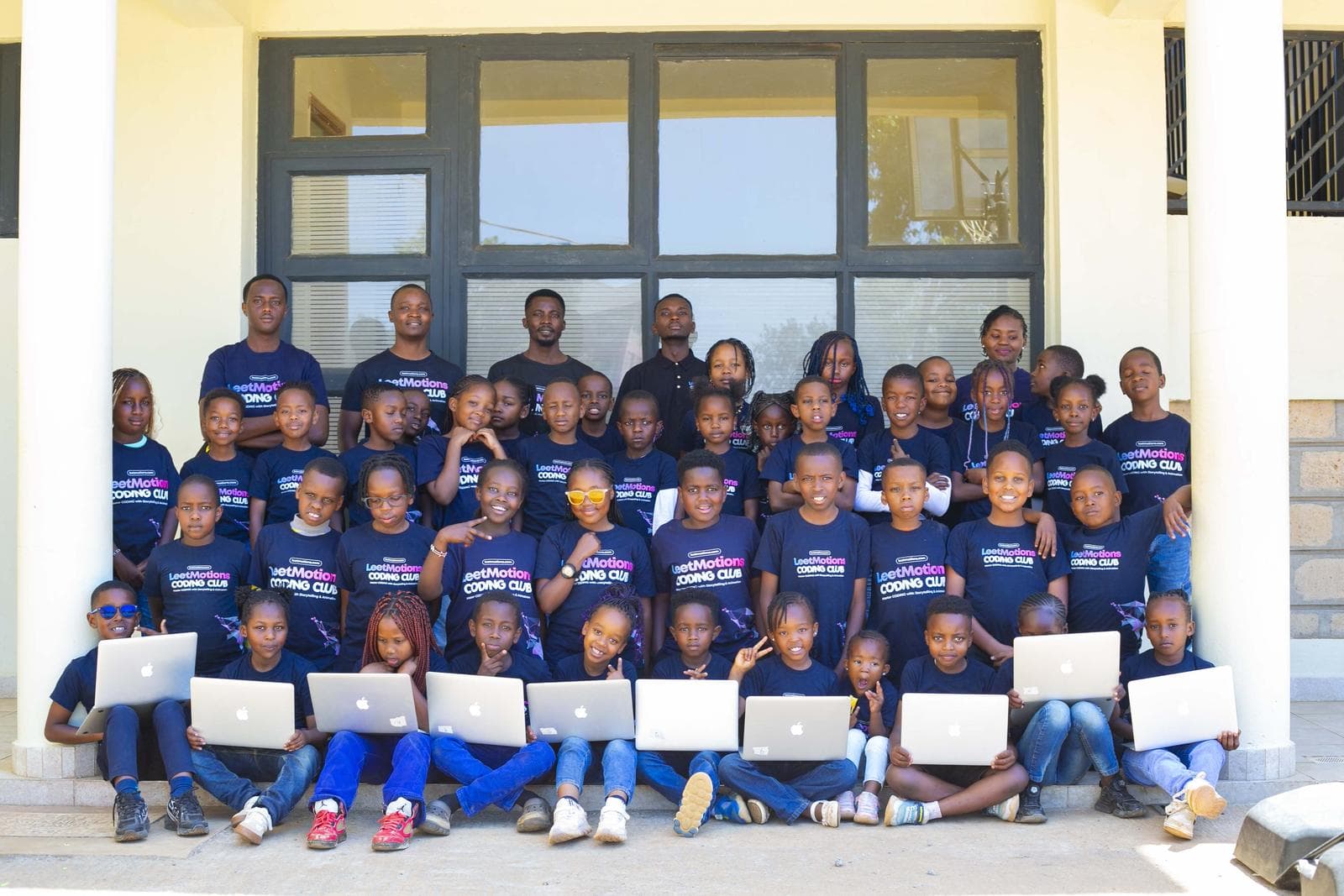
Holiday programme · booking now
November LeetCamp
Four weeks where your child stops using apps and starts building them. Open to any child, from any school.
Daily coding lessons, an official LeetMotions T-shirt, an end-of-camp assessment, a Certificate of Completion and a closing party where every camper demos what they built.
Proof we ship
We built Family Pocket, and solved school transport.
Family Pocket is our biggest live product: the school transport and management app a Kenyan school runs on every school day. Parents stopped phoning to ask where the bus is, because the answer is already on their phone.
Live bus tracking
Parents see the bus on a map with an arrival time, from the first stop to the school gate.
Boarding and arrival alerts
A notification the moment a child boards, reaches school and heads home, triggered by a scan at the bus and the gate.
E-diary and homework
Teachers write to parents in the app, and parents reply. Homework arrives the day it is set.
School news and events
Newsletters and announcements reach every family in one place, instead of lost circulars.
The same engineers teach your child React, React Native, Next.js, Node.js, SQL and Git, the tools Family Pocket is built with.
See Family PocketThe team
Engineers who teach.
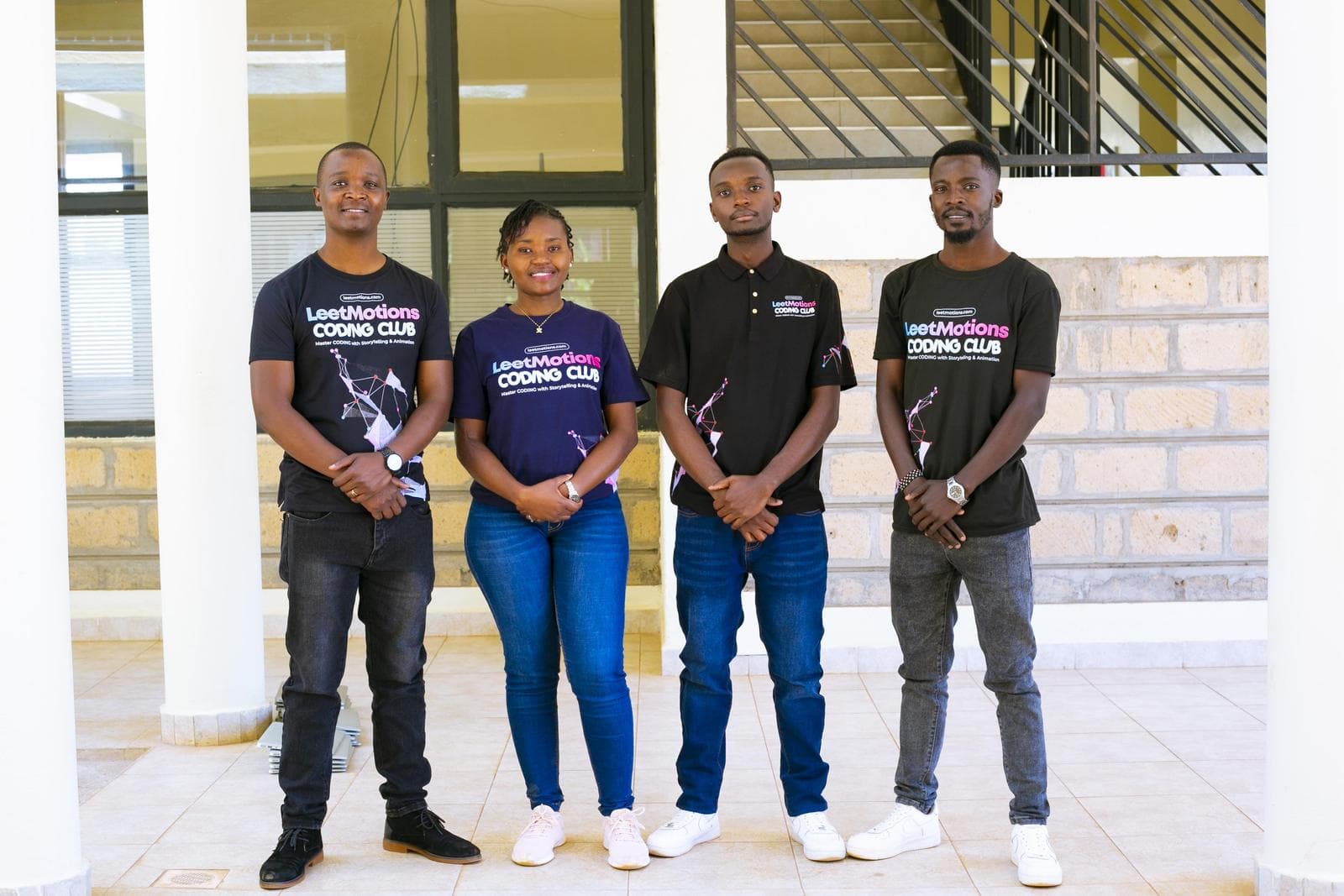
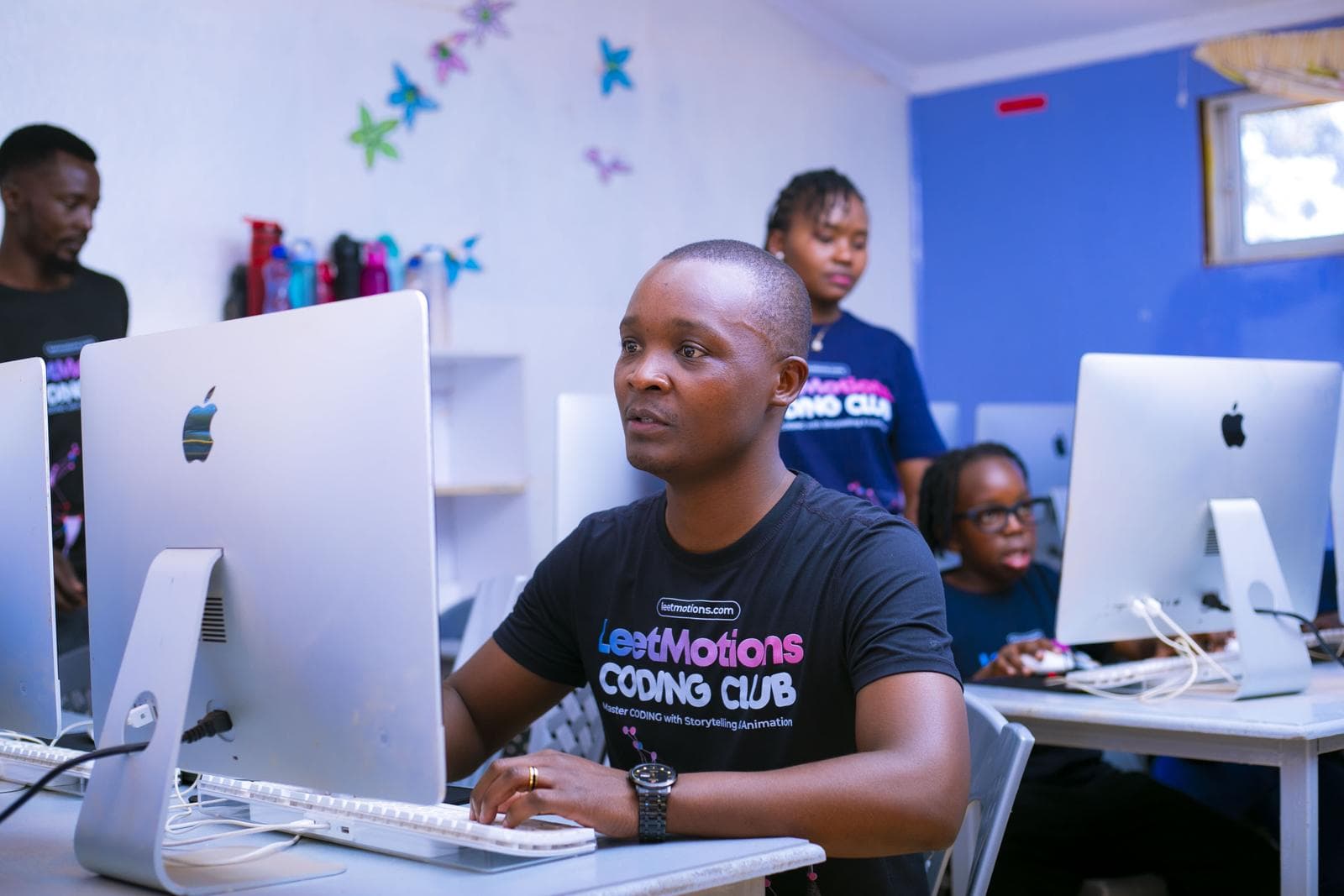
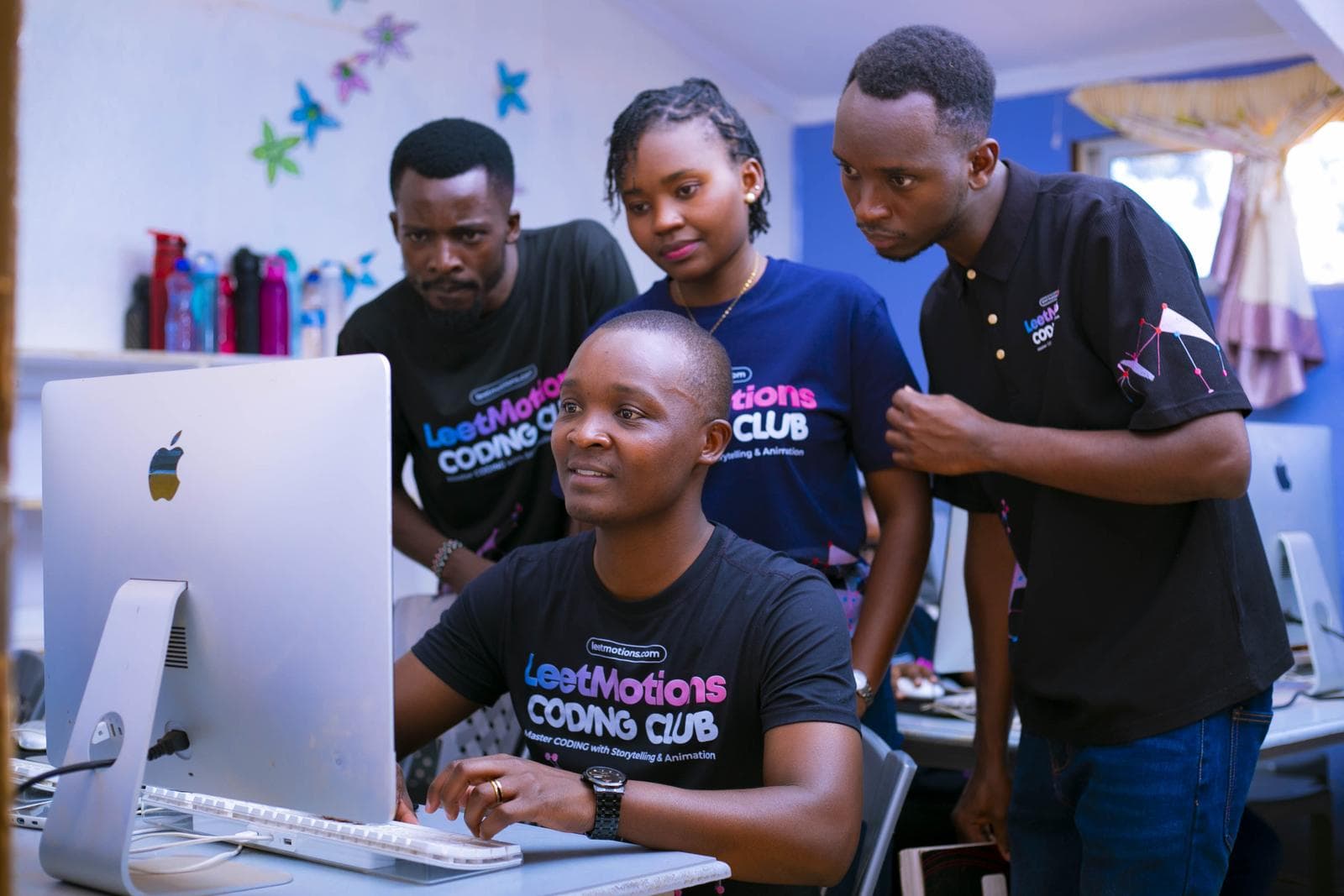
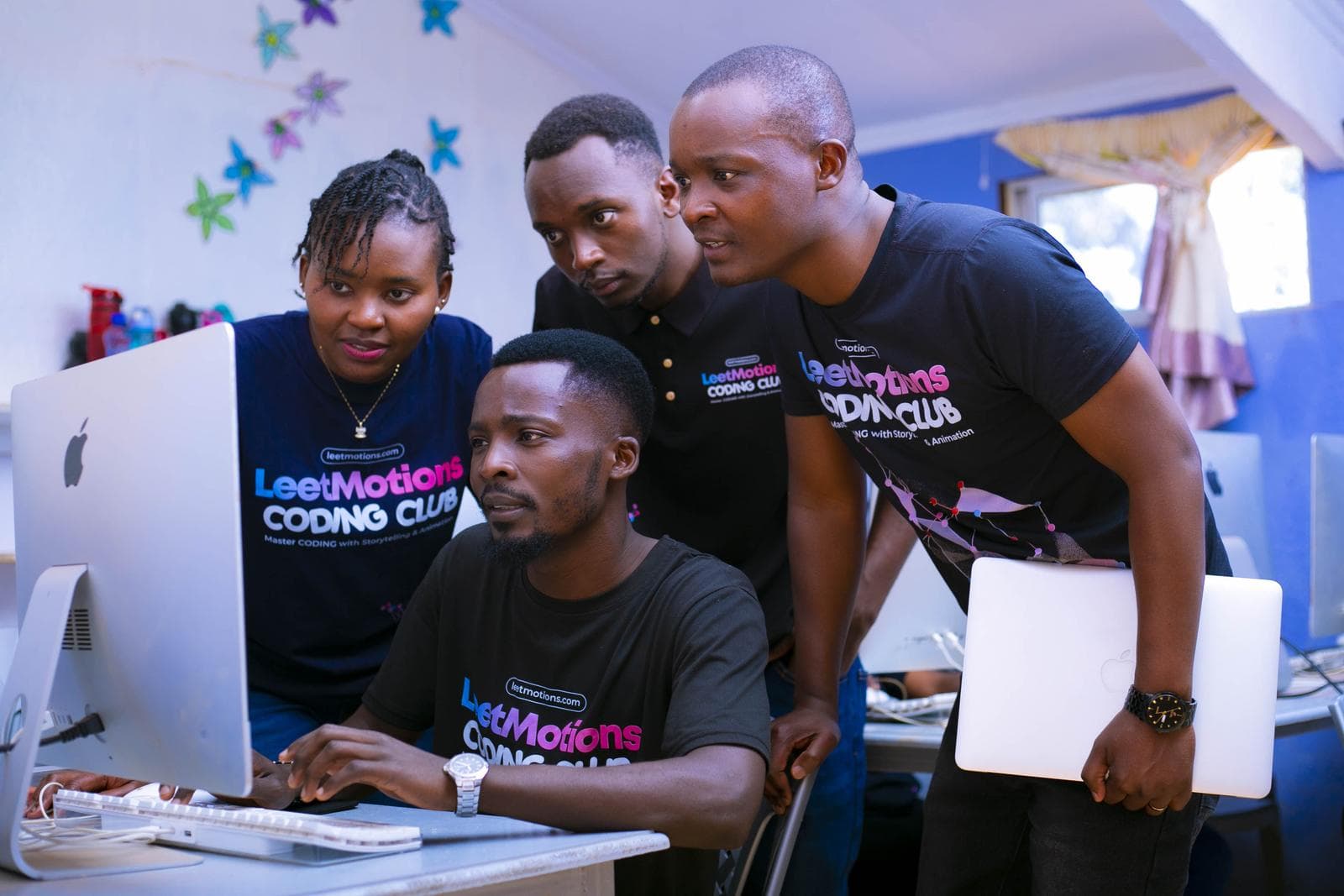
LeetMotions was founded by Rodgers Chayuga, Co-Founder and Lead Engineer of Family Pocket. He is a Senior Software Engineer with 9+ years in industry who has led technical teams at Twitter (X), PhysioChain and Food for Education, and won the 2024 HealthTech Innovation Award. Every instructor is vetted, holds a Certificate of Good Conduct, and teaches from the curriculum he wrote.


What parents can expect
What changes when your child joins.
From playing games to making them.
Each term your child builds a real project, a game, a website or an app, and can explain every part of it to you.
See every session before you even enrol.
The free Family Pocket app shows attendance, the topic taught and homework, the same day.
Patient with the little ones, stretching the older ones.
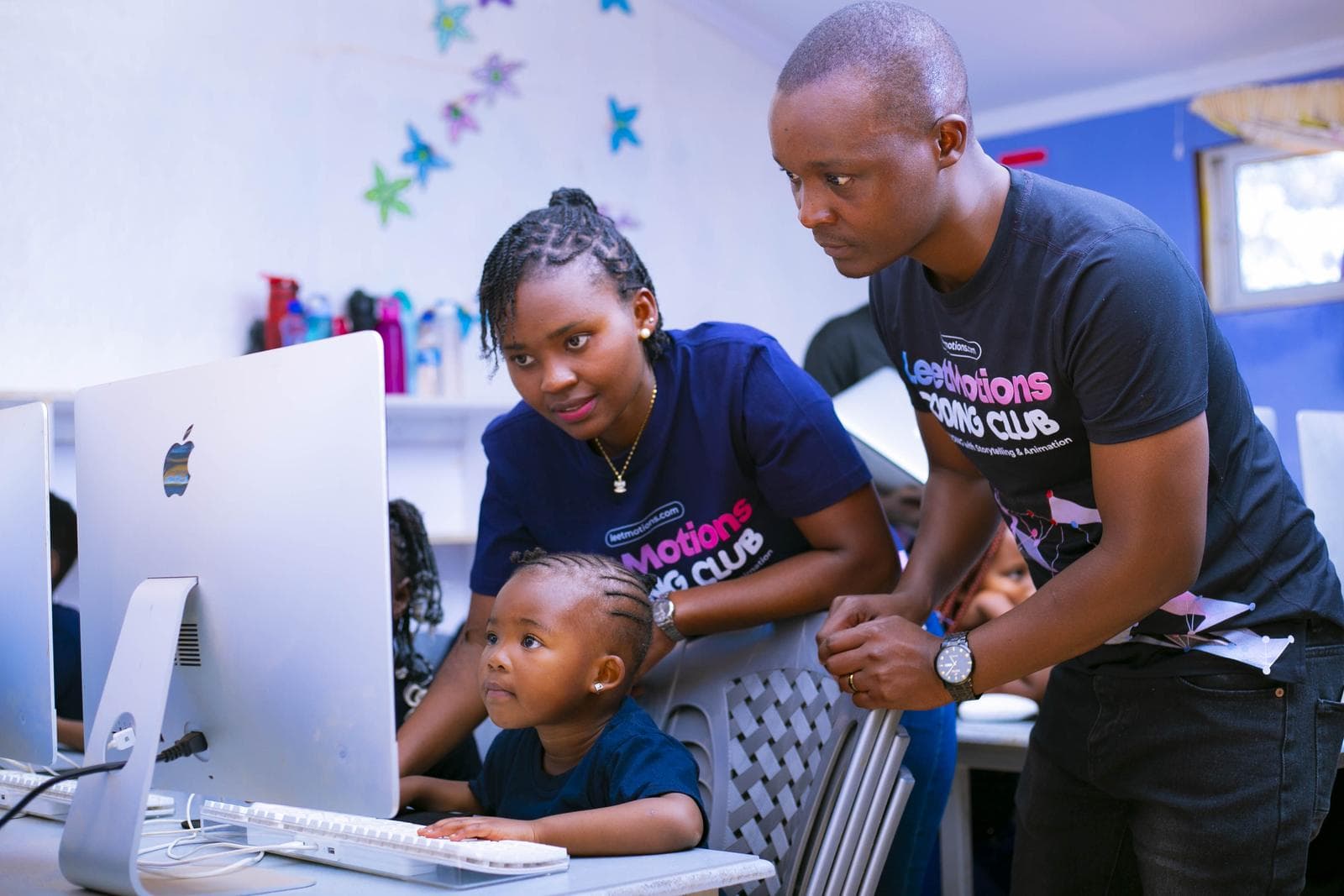
Learners are grouped by ability, with an instructor at their side in every session.
Real tools, not toys.
Scratch first, then HTML, React, Python and Git, the tools our engineers use to build Family Pocket.
A new way to solve problems.
Breaking a project into steps carries over into maths, science and everyday thinking.
A Demo Day to be proud of.
Every term ends with learners presenting a finished project to parents and staff.
FAQ
Questions parents and schools ask us.
Does my child need any experience?
No. Every learner starts with a placement check and joins at the right level, from PP2 upwards.
How much does the club cost?
Club fees are agreed with each school and usually paid through the school. Ask your school, or message us and we will tell you what applies at your school. LeetCamp prices are listed on this page.
How do I know what my child is learning?
The free Family Pocket app shows attendance, the topic of every session, homework, report cards and instructor comments, the same day.
Why project-based learning?
Because children remember what they use. Each lesson is the next step of a real project, so every concept is applied the same day, and every term ends with something they built and can show.
Do learners use AI to cheat?
No. We teach responsible AI: how to use it to plan, debug and build, and how to check its work. Assessments are practical and done in front of the instructor.
What computers do you use?
We bring our own Apple iMacs, the setup most professional developers use, or teach on the school's computers if the school prefers.
Who are the instructors?
Software engineers and instructors trained by our founder. Every one is vetted and holds a current Certificate of Good Conduct.
Can my school bring LeetMotions in?
Yes. Schools can include the Academy in the school system for every learner or run it as an optional club. Read the school proposal, or message us to book a free trial lesson.
Who owns my child's projects?
Your child does. Their work stays in their own portfolio, on GitHub from Junior School.